Free
The full practice and progress experience.
$0
No subscription. No account needed to start.
Start typing free- Words, Sentences, Key Drills, and Wikipedia
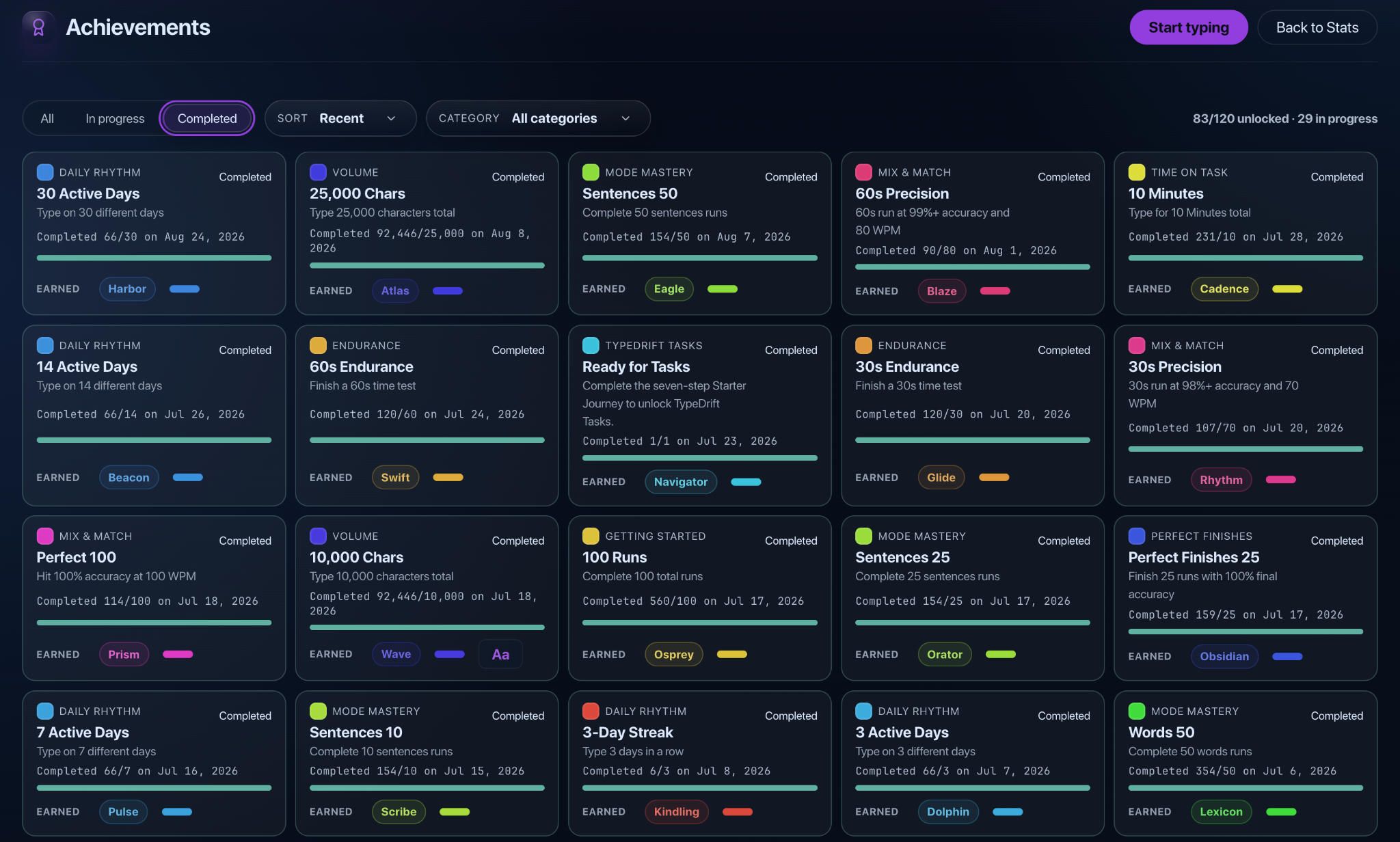
- Tasks, Achievements, and Leaderboards
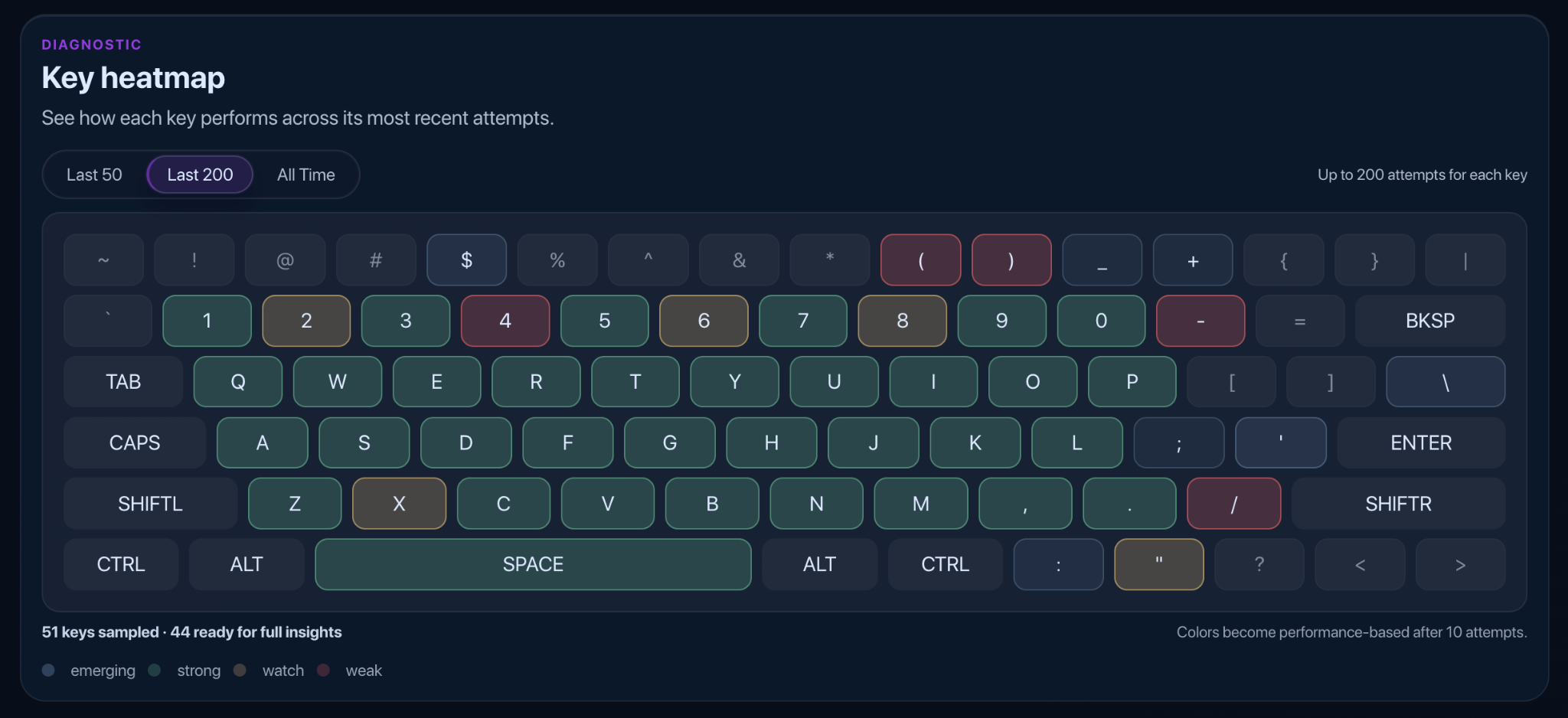
- Type Rating, detailed stats, and the key heat map
Practice with words, sentences, real Wikipedia articles and guided Tasks — and see exactly which keys slow you down. Free, no account needed.


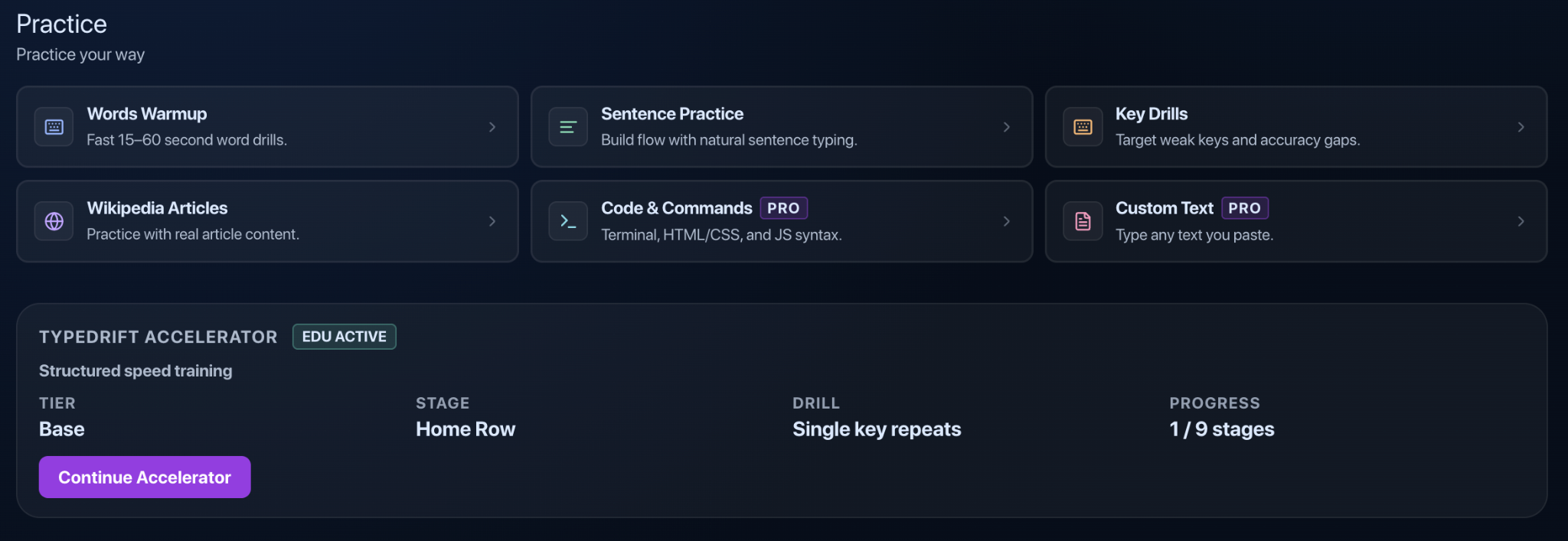
Practice modes
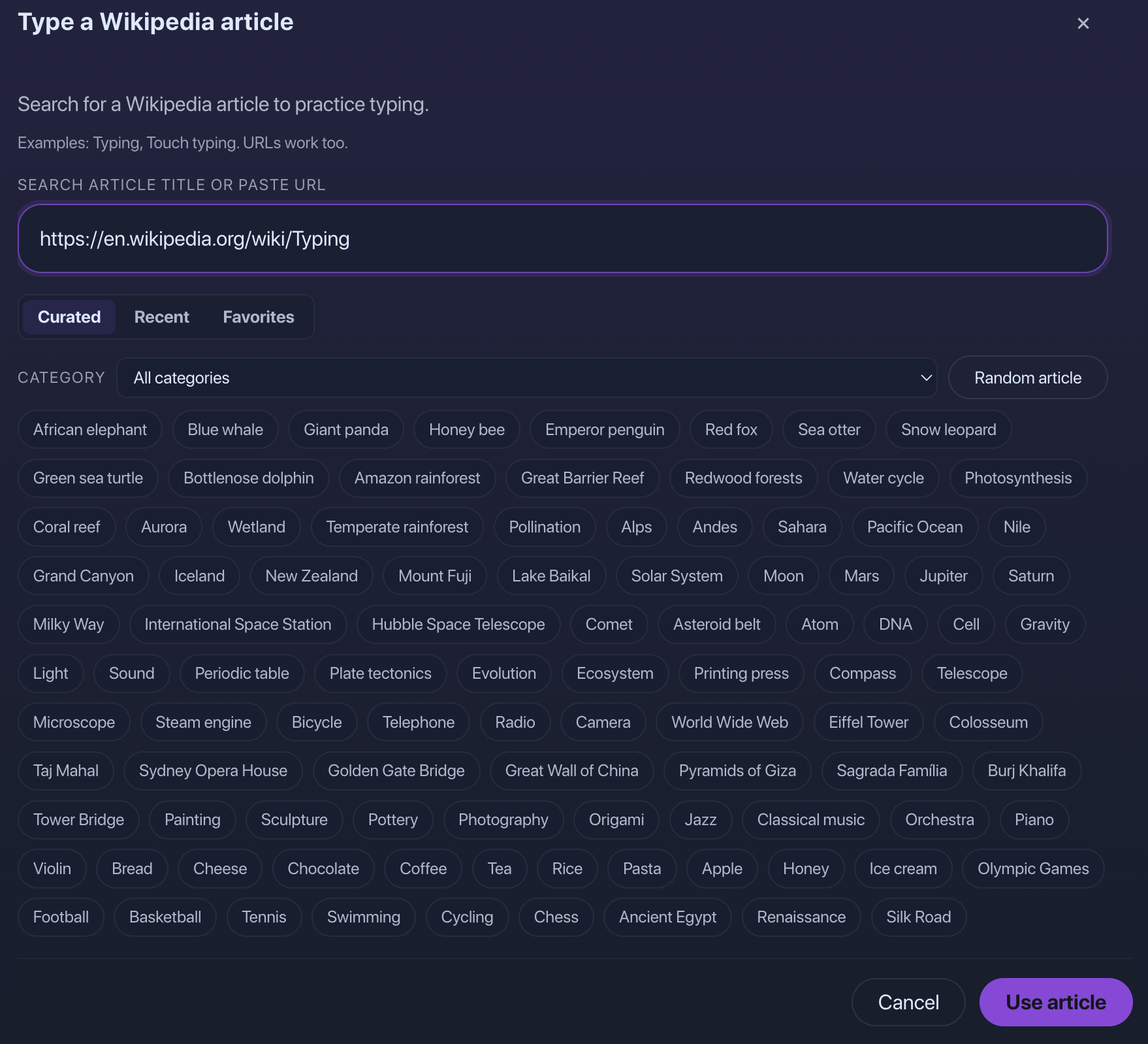
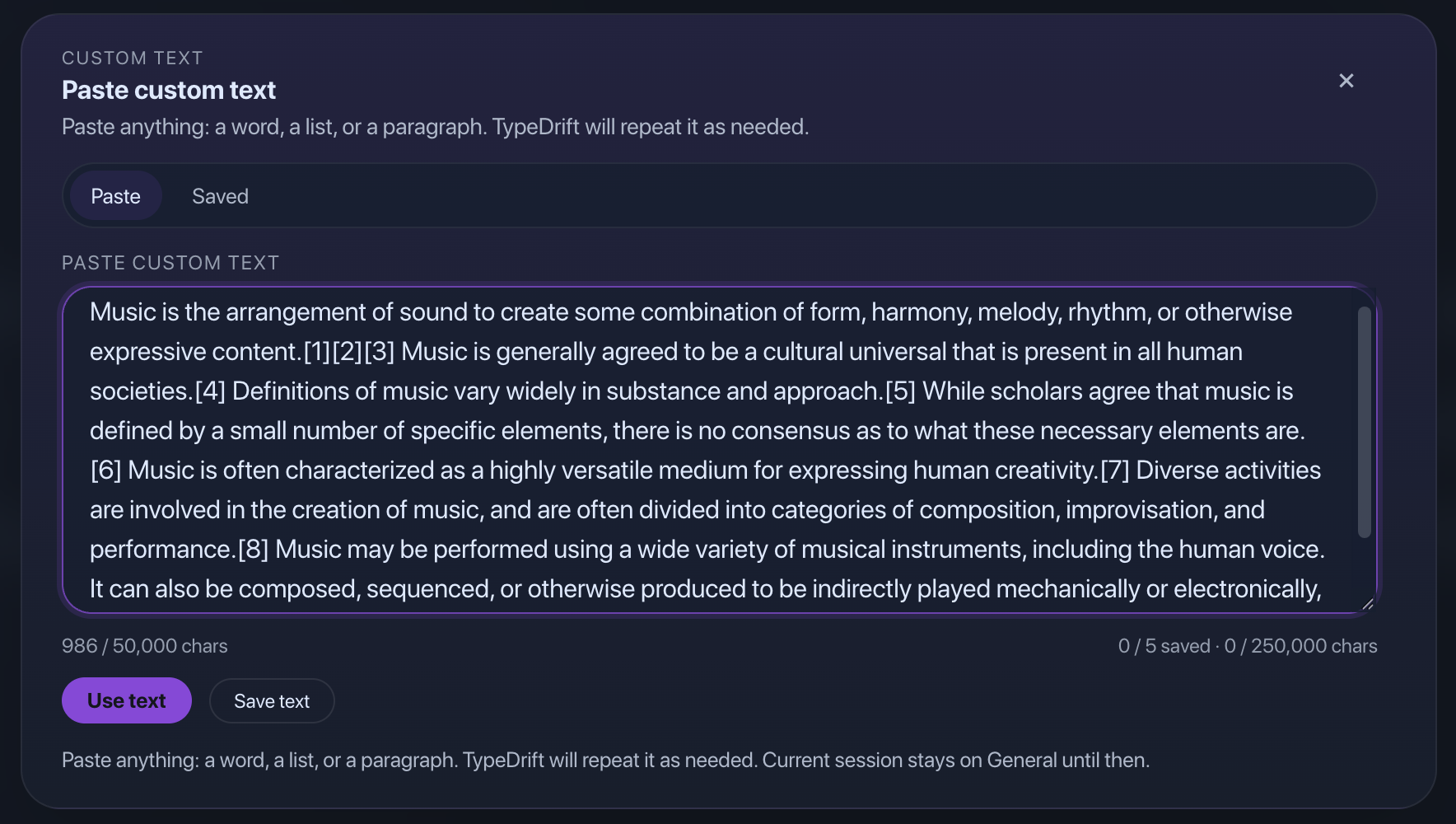
Free includes Words, Sentences, Key Drills, and Wikipedia. Pro adds Code & Commands and Custom Text.
Personal stats
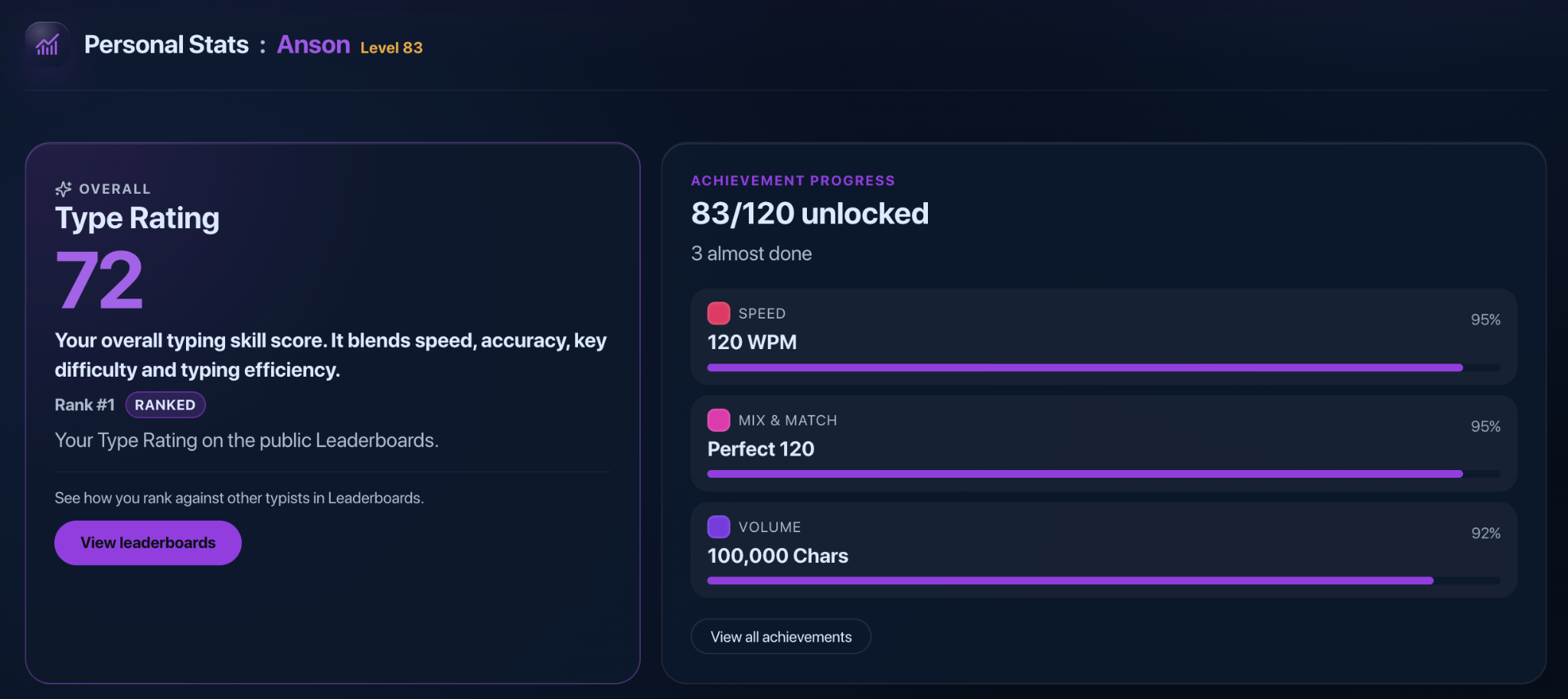
Type Rating blends speed, accuracy, key difficulty, and typing efficiency. Then drill into consistency, errors, activity, trends, and individual keys.
Tasks & Achievements

TypeDrift Pro · Accelerator 2.0
Accelerator 2.0 teaches touch typing one skill at a time. Fourteen skills in six sections take you from the home row to capitals, numbers, punctuation and real text, each with a short lesson, focused practice and a check that tells you when you’ve learned it.


A short starting assessment records your before picture. New to typing? Begin at Home Row. Already comfortable? Check familiar skills and skip ahead.
A run counts at 90% first-try accuracy. Your pace is always shown, but there’s no speed requirement to move through the course.
The Final repeats your starting assessment, so you can see what changed. Pass it to earn a course certificate anyone can check online.
Accelerator is part of TypeDrift Pro, along with Custom Text, Code & Commands, Focused Practice, and more themes and fonts.
TypeDrift Teams
Give every learner Pro, assign timed Tests, and see each learner’s speed, accuracy, and Test results. Add or remove learners and manage seats from one account, with Admin Pro for you.
$4 per learner/month · 10-learner minimum

Plans
Everything above is free except Accelerator, Custom Text, and Code & Commands. Teams gives a whole class or team Pro, Tests, and results.
The full practice and progress experience.
$0
No subscription. No account needed to start.
Start typing freeLearn to type better with a guided course.
$4.99/month
or $49.99/year · save 16%
Get ProRun typing practice for a class or team.
$4/learner/month
or $40/learner/year · save 16%
Start a Team10-learner minimum · add seats in 5s · your own Admin Pro included
FAQ
Free access, accounts, Pro, Accelerator, billing, and Teams.
Yes. Free includes Words, Sentence Practice, Key Drills, Wikipedia, guided Tasks, Achievements, Leaderboards, detailed stats, and key-level feedback. Pro is optional.
No. You can start typing without creating an account. Sign in when you want account-based progress, Pro, or synced Accelerator progress.
Pro is for structured improvement. It adds the Accelerator 2.0 typing course and its verified course certificate, Custom Text with Saved Texts, Code & Commands, Focused Practice sentence sets, and more themes, accents, and fonts.
Accelerator 2.0 is a guided touch-typing course inside TypeDrift. It teaches 14 skills in six sections, from the home row to capitals, numbers, punctuation and fluent real text. Every skill follows the same path: a short lesson, focused practice, applying it to words and sentences, then a Mastery Check. You always see where you are and what to practice next, and your progress syncs to your account.
A run counts when your first-try accuracy is 90% or higher, and most activities ask for two counted runs in a row. After Learn, Practice and Apply, a Mastery Check at 92% marks the skill Learned; if you miss, a short review sends you back to try again. Later reviews can earn Proficient. There’s no speed requirement to move on. If you already type well, an optional placement check lets you skip skills you can show you know.
Choose Get Pro and TypeDrift opens. Sign in (or create an account) so Pro attaches to the right account, pick monthly ($4.99) or annual ($49.99), and finish on Stripe’s secure checkout.
Yes. Manage or cancel your subscription from Account & plan. Stripe will show when your access ends.
Teams is $4 per learner per month or $40 per learner per year, with a 10-learner minimum and seats added in steps of 5. The Team’s administrator gets Pro without using a learner seat.
At the end of the course, the Final repeats the same three passages as your starting assessment. Average at least 90% first-try accuracy, with no passage below 85%, to earn a verified course completion certificate. Anyone can confirm it on TypeDrift’s public verification page. It records that you completed the TypeDrift course and your Final results; it is not an accredited or proctored credential.
Yes. TypeDrift works on mobile as well as desktop. The desktop experience provides the most room for the full practice and statistics interface.
Yes. Existing licenses and earlier subscriptions keep working. Sign in and TypeDrift can link a valid license to your account; you don’t need to buy Pro again.
 TypeDrift
Words, Sentences, Key Drills, or Wikipedia — open TypeDrift and start.