 TypeDrift
Code & Commands
Code Typing Practice for Developers
Train the characters, patterns, and symbols used in technical work with Terminal & Git, HTML & CSS, and JavaScript packs — real syntax, not prose.
Code & Commands is a TypeDrift Pro feature. Free accounts can preview this page; typing a session requires a Pro subscription.
If you're not signed in to Pro, TypeDrift shows its normal upgrade prompt instead of starting a session.
Available Packs
Terminal & Git
Common shell and Git command-line patterns.
HTML & CSS
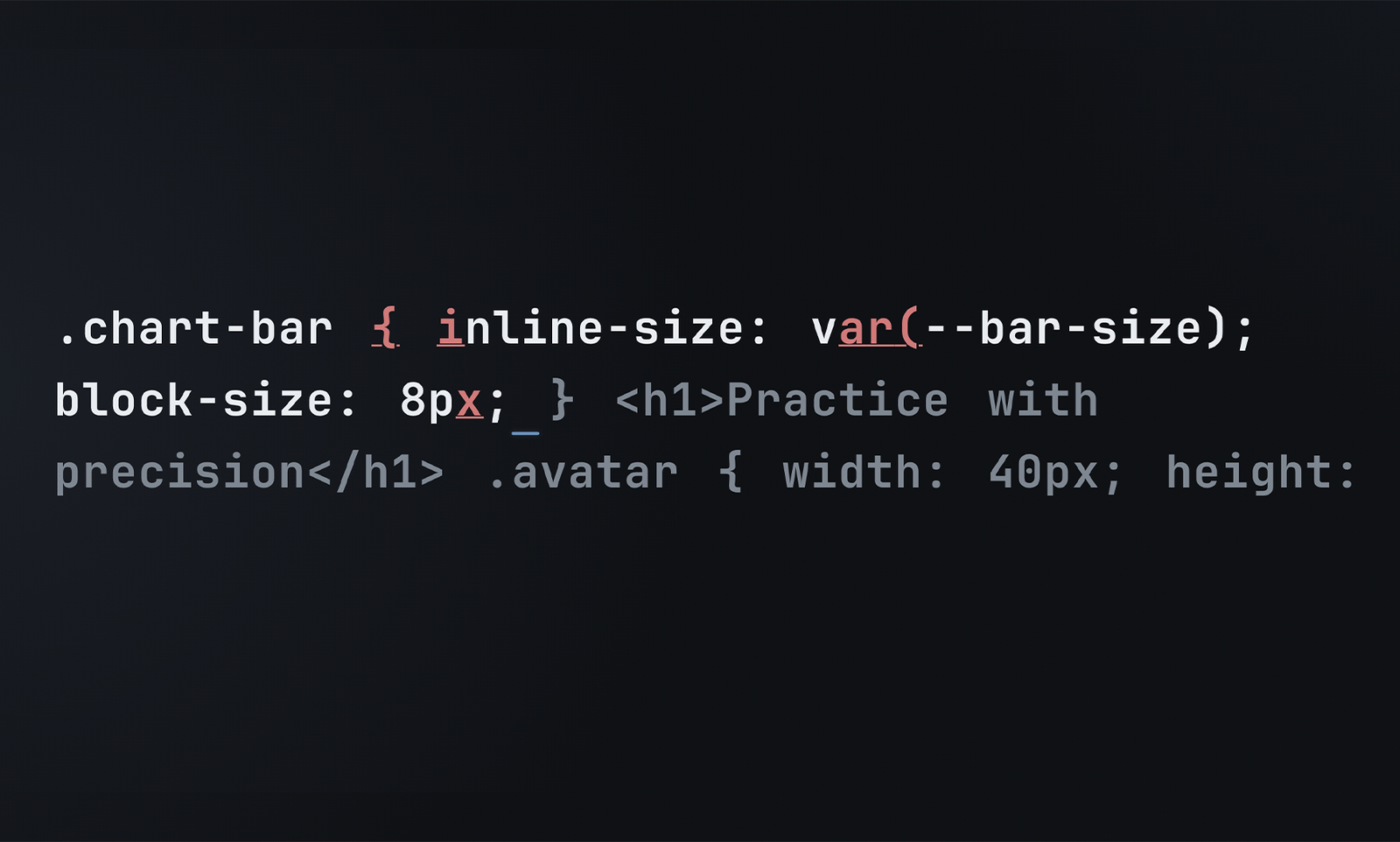
Markup and stylesheet syntax, tags, and selectors.
JavaScript
JavaScript syntax patterns, operators, and structure.
What This Is — and Isn't
-
Real syntax, not prose
Brackets, punctuation, and command structure — not plain-English filler.
-
Same feedback as every mode
Speed, accuracy, and per-key feedback comparable to your other sessions.
-
Typing practice only
Code & Commands never executes, runs, lints, or debugs code.