 TypeDrift
Free Wikipedia Practice
Practice Typing With Real Wikipedia Articles
Type real prose instead of isolated word lists. Choose a curated topic, get a random article, or search for any Wikipedia article you want — free, no account required.
Opens the article chooser immediately — no article is loaded until you pick or search for one.
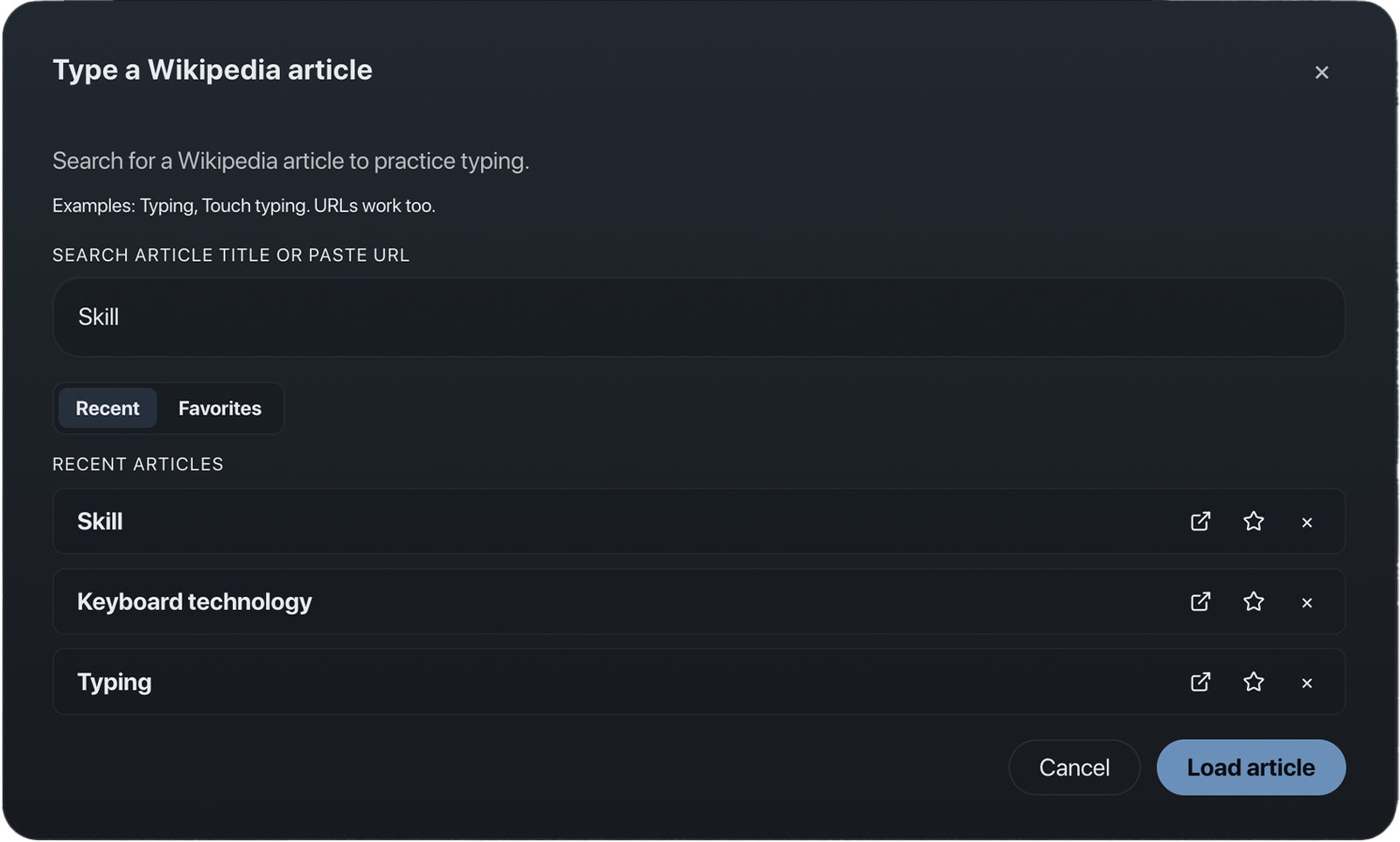
Real Prose, Your Way In
Curated Categories
Animals, nature, geography, space, science, inventions, arts & more.
Random or Search
Hit Random for a surprise, or search any article by title or URL.
Free, No Account
Wikipedia practice is part of TypeDrift's free experience.
Fetched, Not Bundled
Article text is fetched live and never stored by TypeDrift.
How It Works
-
Open the chooser
Click "Choose a Wikipedia Article" to open it directly — nothing loads yet.
-
Pick an article
Browse curated categories, hit Random, or search for a specific title.
-
Type the real thing
Practice with genuine sentences and full speed/accuracy feedback.
TypeDrift doesn't own, republish, or editorially verify Wikipedia's content — it's fetched live from Wikipedia for you to type.