 TypeDrift
Free Typing Practice
Free Typing Practice With Letters, Words, and Sentences
Practice with focused letters, common words, or full sentences, and turn individual keys on or off to build a session around exactly what you want to improve. No account required to start.
Opens TypeDrift in Type with normal practice — nothing starts automatically until you begin typing.
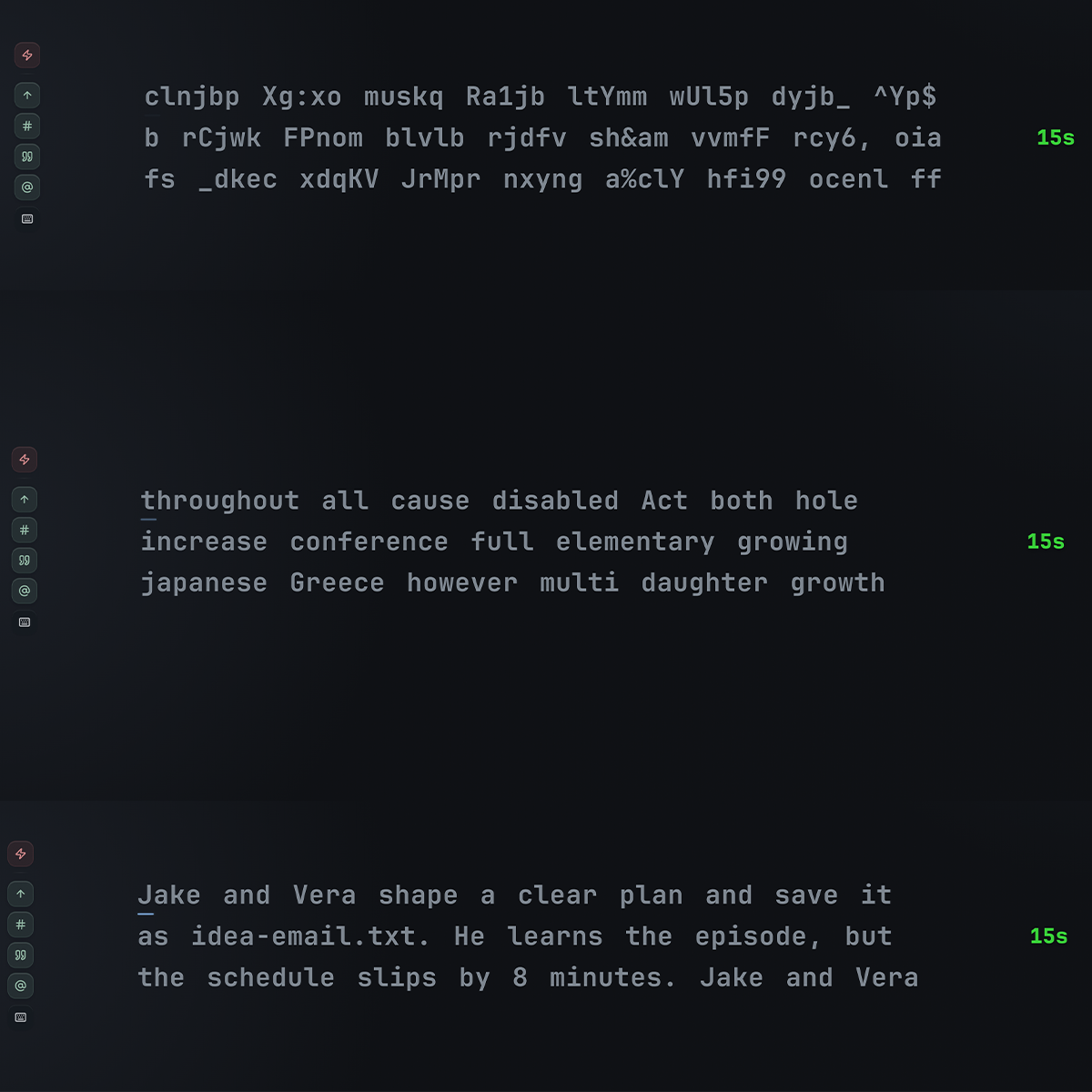
Built for Focused Practice
Letters, Words & Sentences
Switch modes freely — every mode uses the same speed and accuracy tracking.
Focused Key Practice
Turn individual keys on or off to train a specific finger, row, or problem key.
Speed, Accuracy & Heat Map
See WPM, accuracy, and a per-key heat map as soon as a session ends.
Account Optional
Progress saves in your browser. Signing in adds syncing across devices.
How It Works
-
Pick a mode
Letters, Words, or Sentences — whichever fits what you want to train.
-
Focus your keys
Turn keys on or off to build a session around exactly what you're working on.
-
Review your results
See your speed, accuracy, and heat map, then run it again to track progress.